Maui Adventure Store Microsite & Campaign Branding
Maui Adventure Store Microsite & Campaign Branding
The Problem:
A sponsored sales contest is only effective when participants remain engaged throughout the program, making the contest website a critical digital touchpoint. Galactic Performance Solutions (GPS) had introduced the Maui Adventure Store to complement its leaderboards and destination videos, giving participants an opportunity to order merchandise throughout the contest. However, while the store concept successfully supported the incentive program, the digital experience lacked the branded, immersive presentation needed to reinforce the Maui campaign.
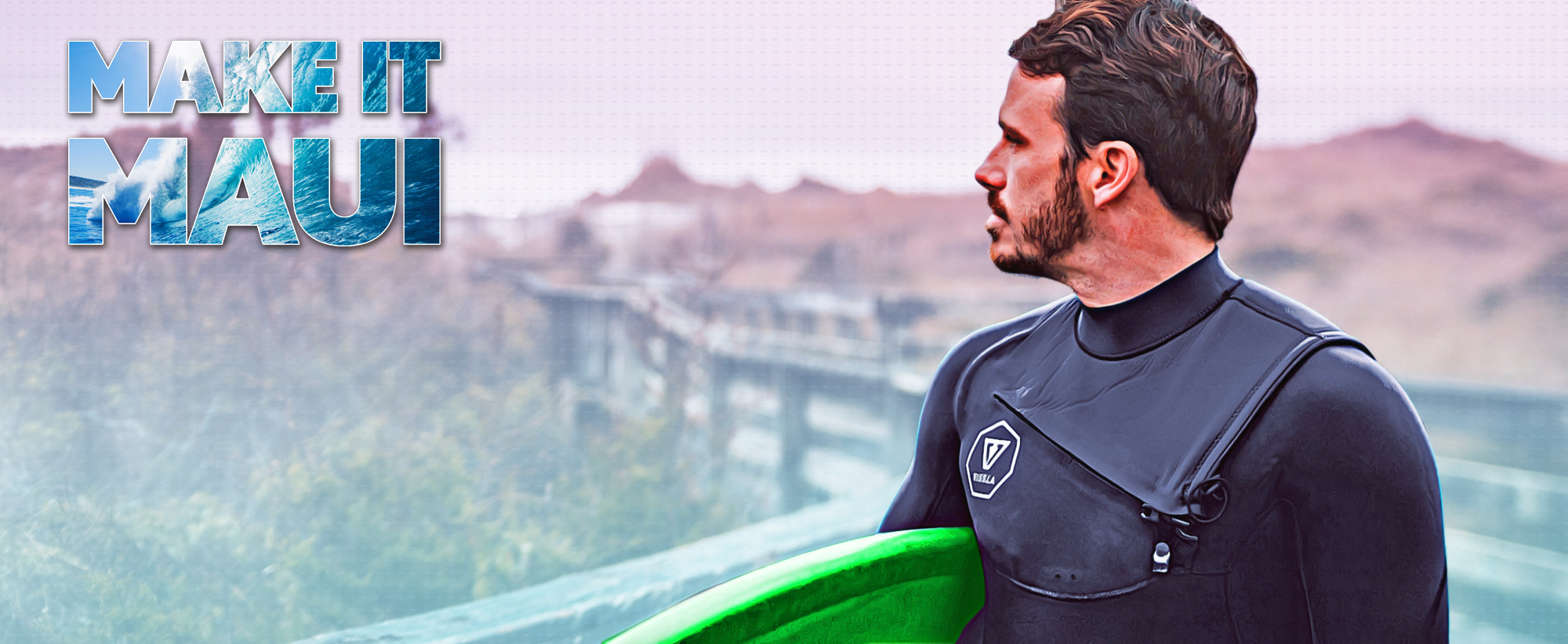
The original store experience consisted primarily of a single page within the GPS merchandise catalog, with minimal visual branding beyond the Make It Maui logo. This created a disconnect between the highly branded contest experience and the merchandise storefront, limiting its ability to maintain campaign engagement and reinforce the overall program theme.
The Solution:
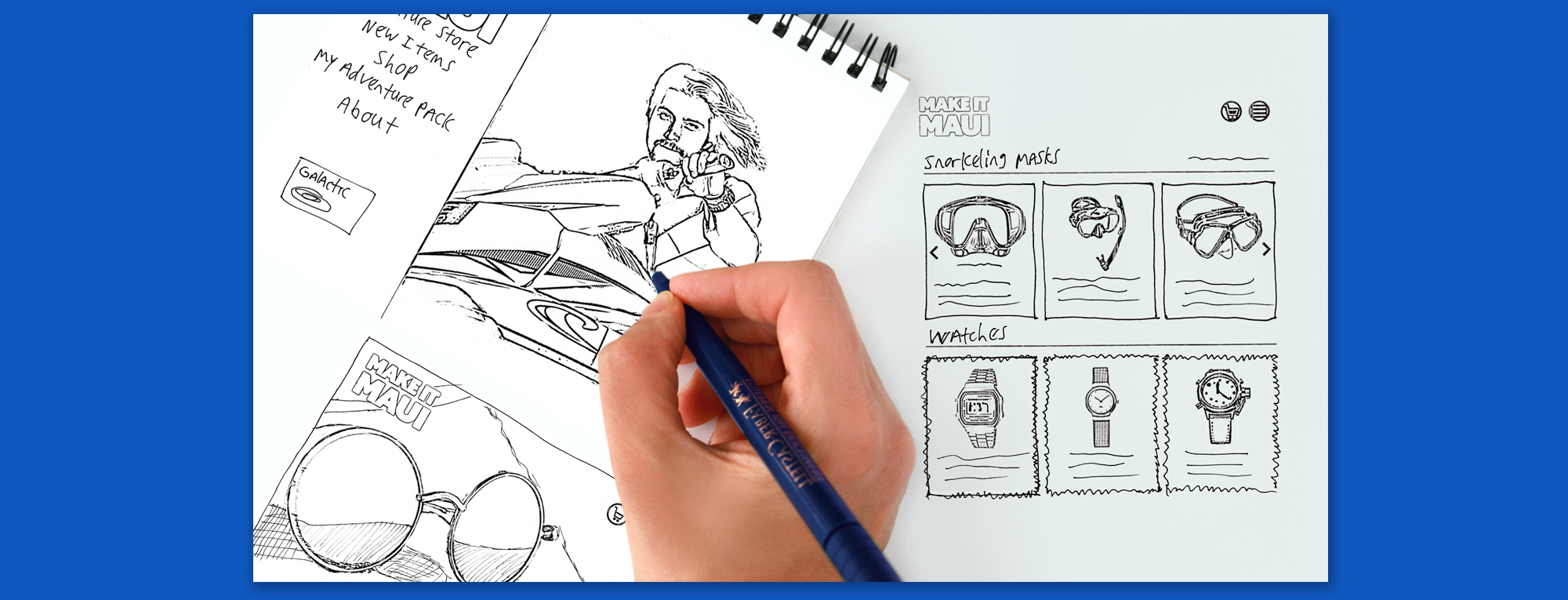
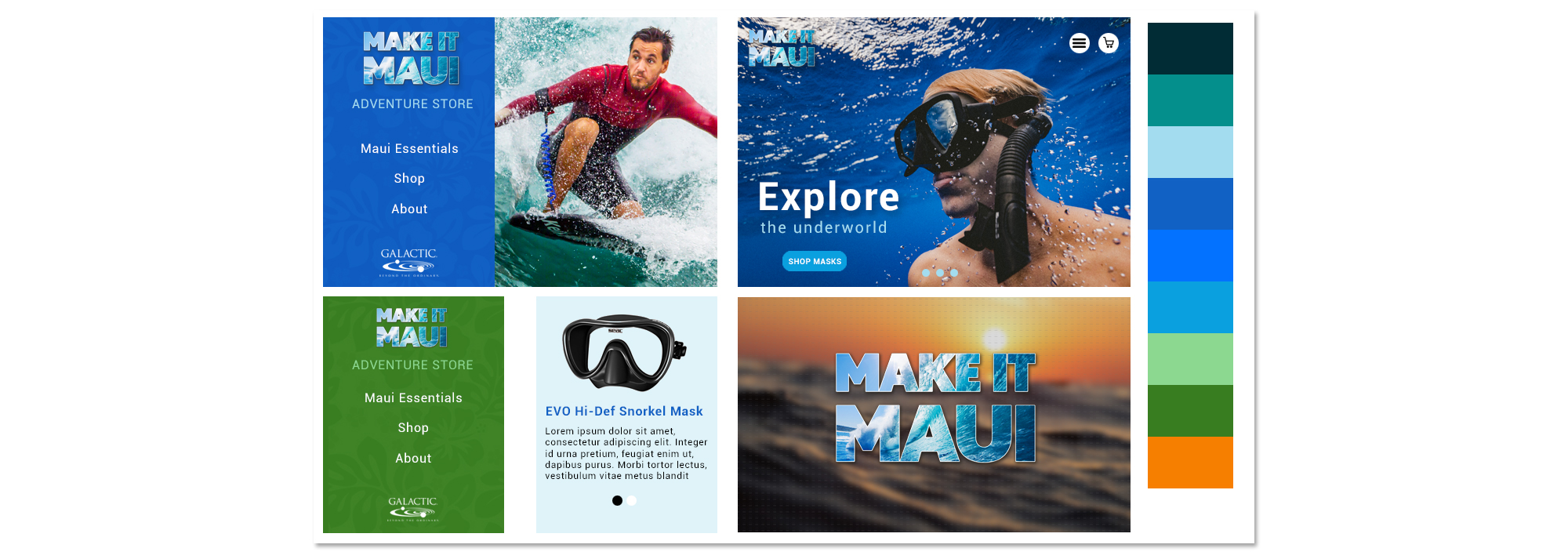
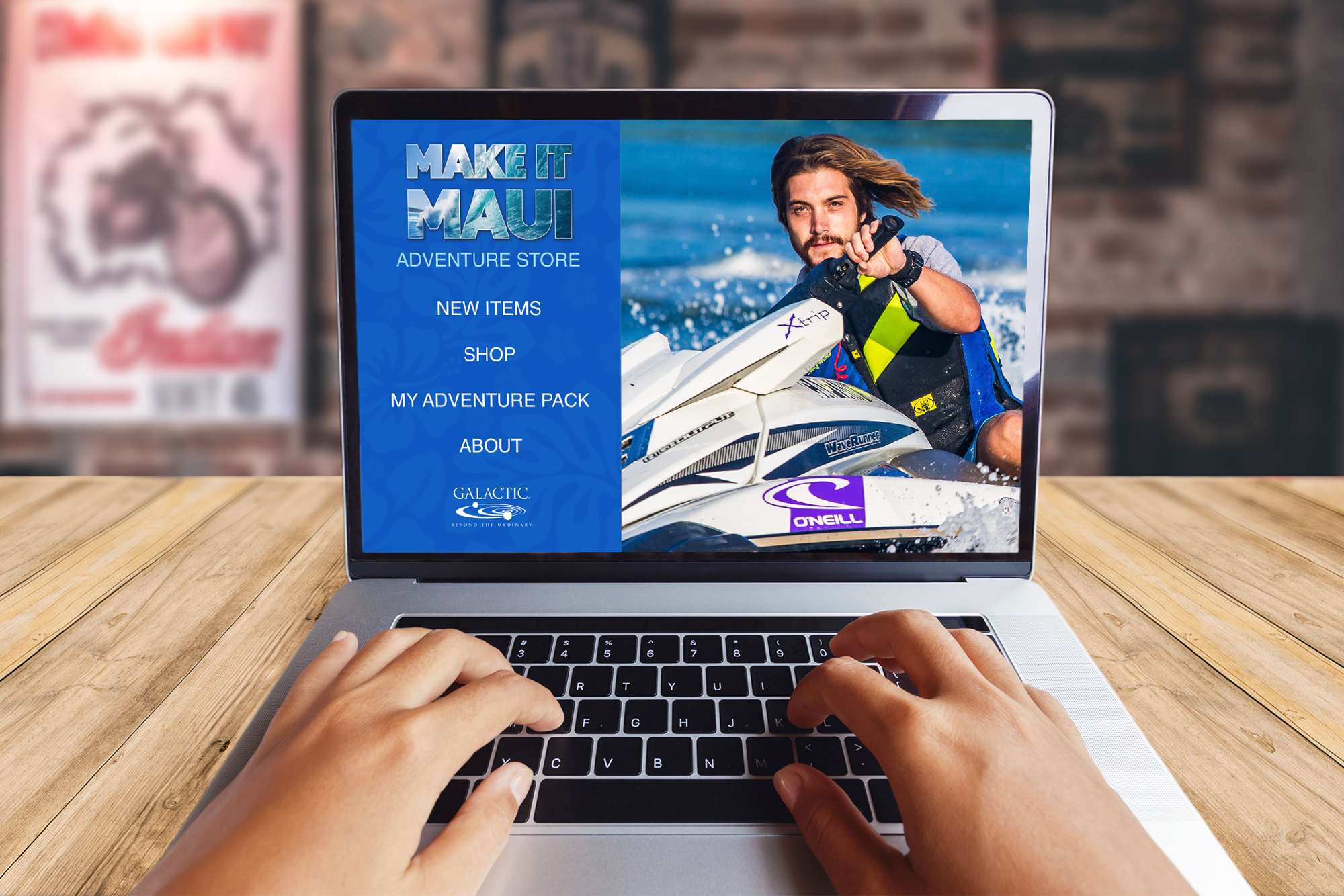
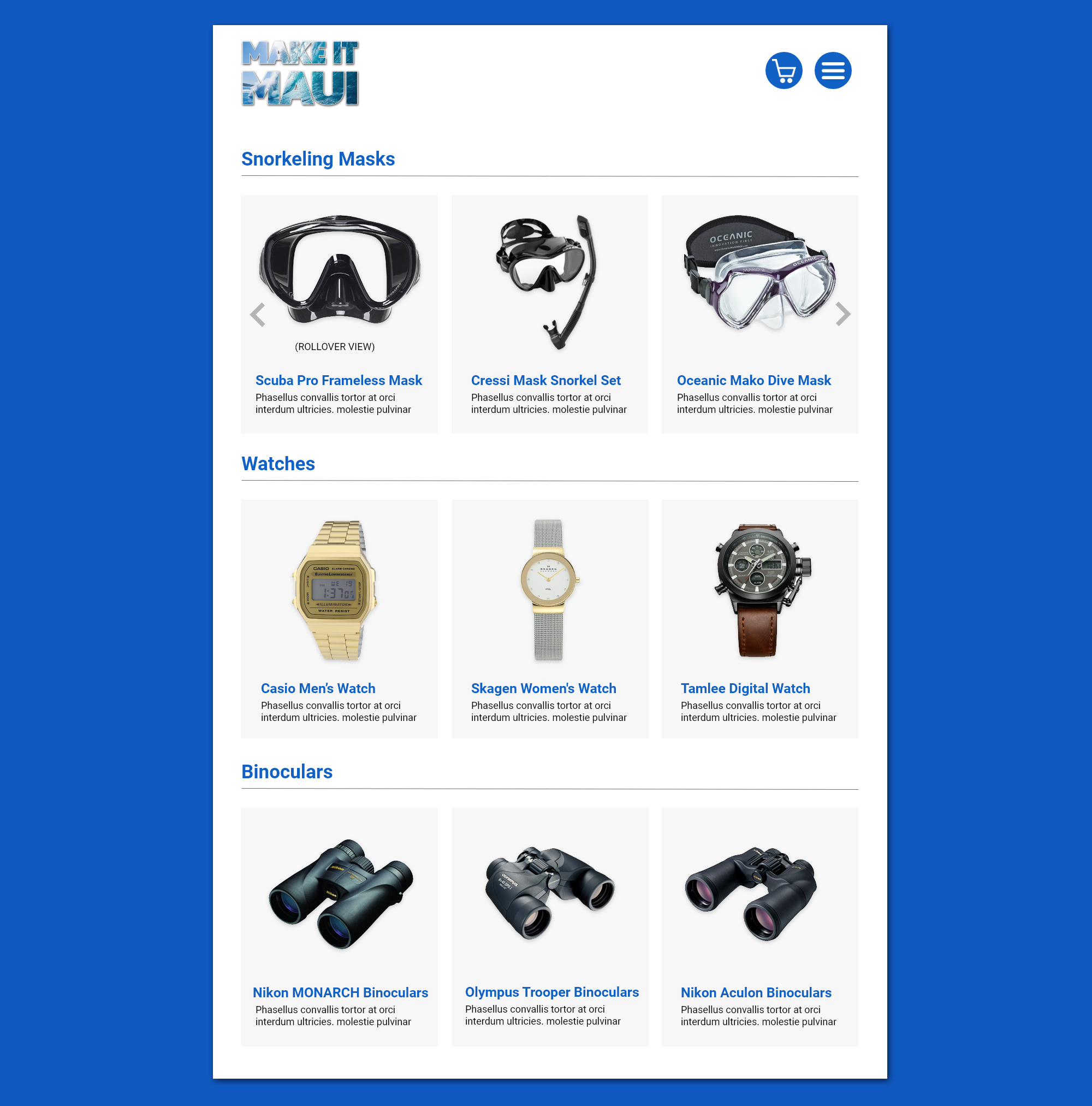
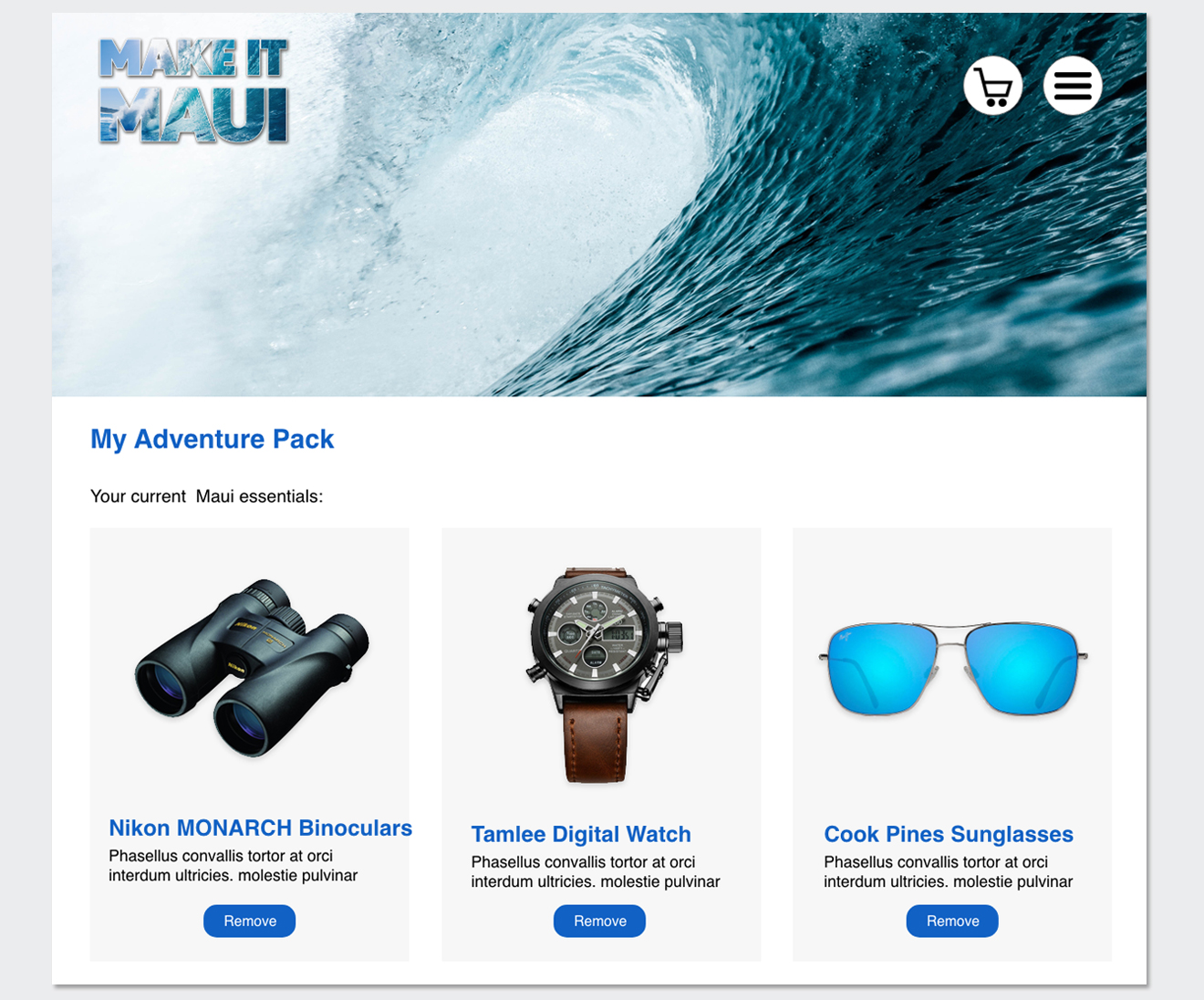
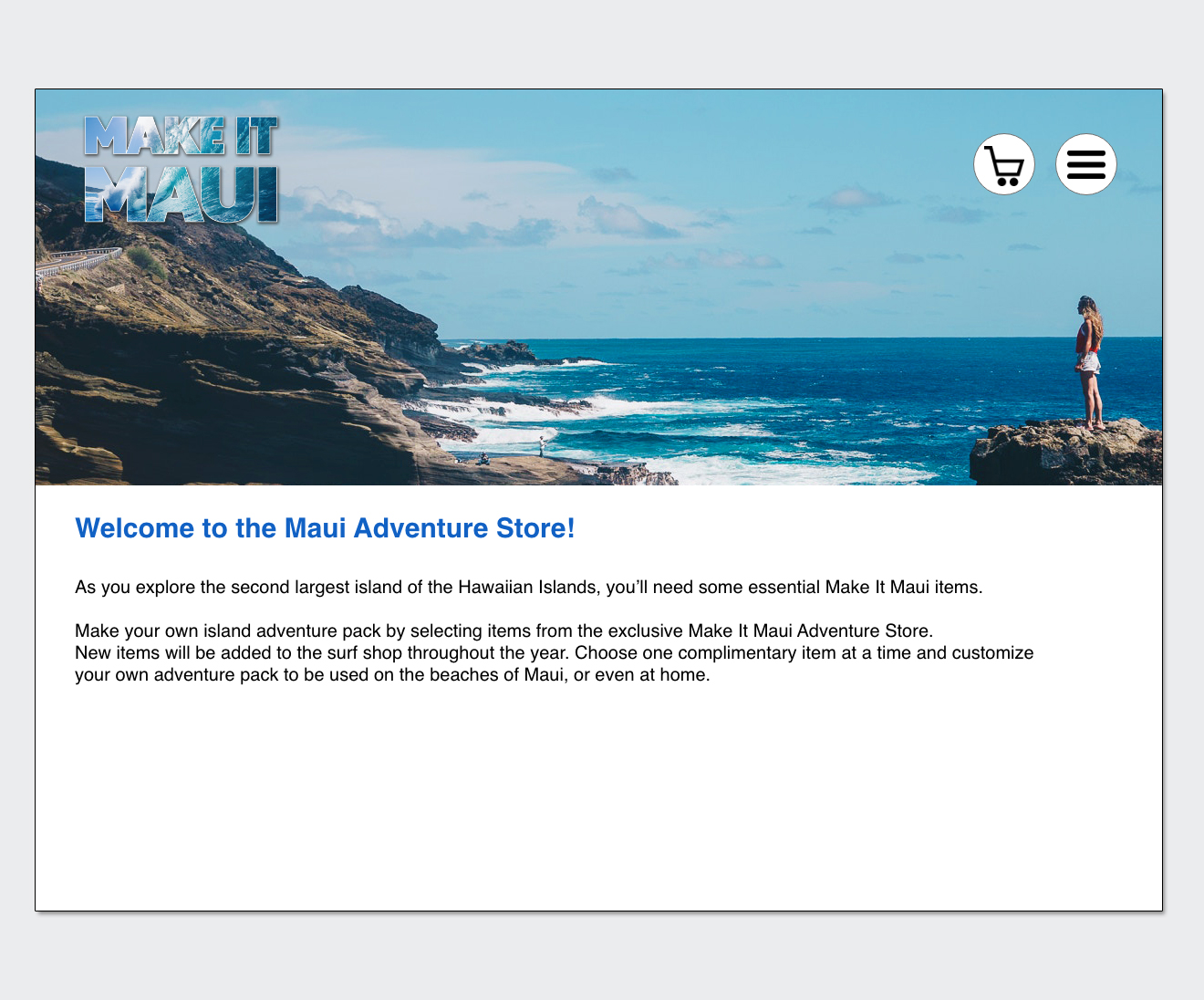
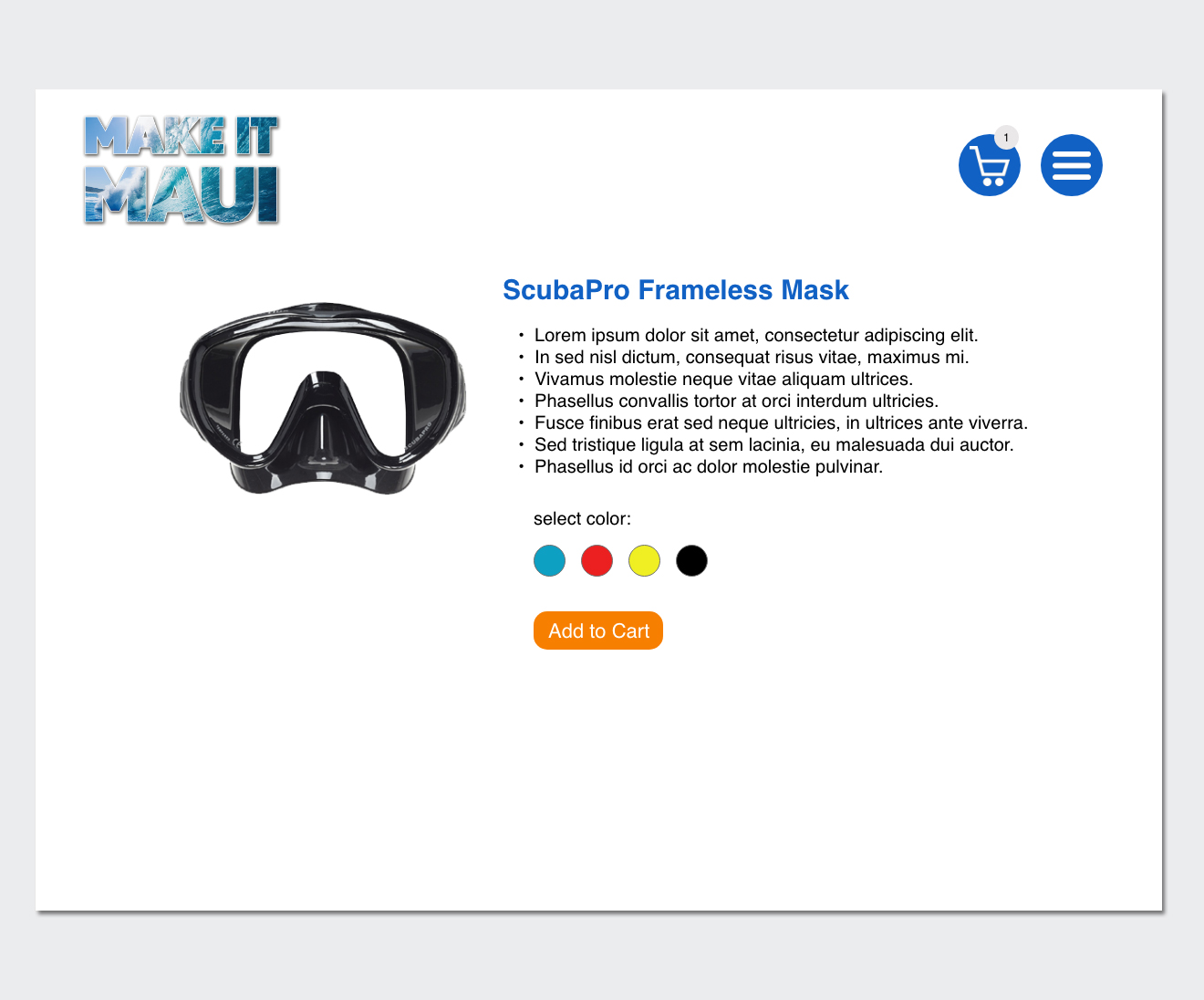
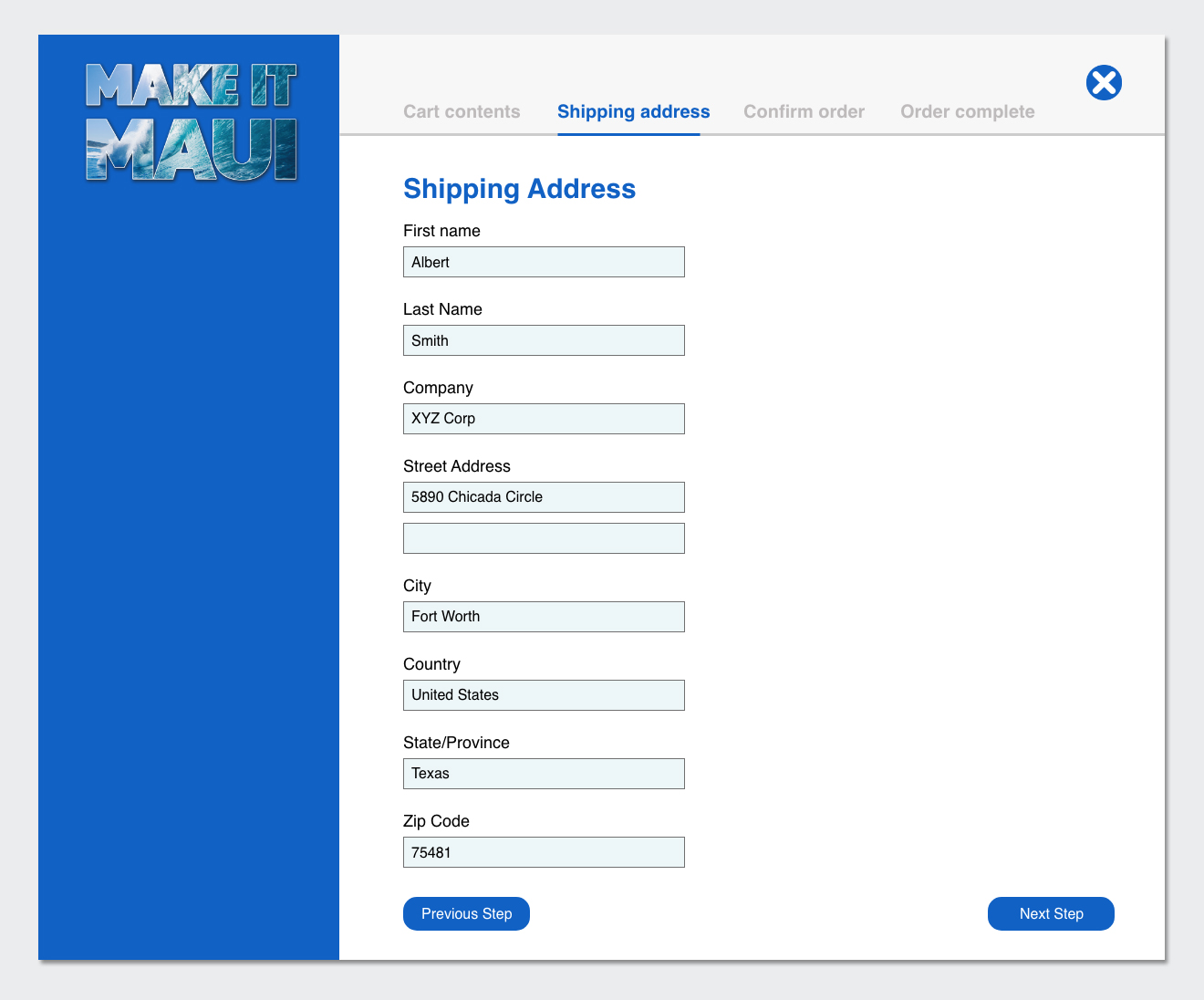
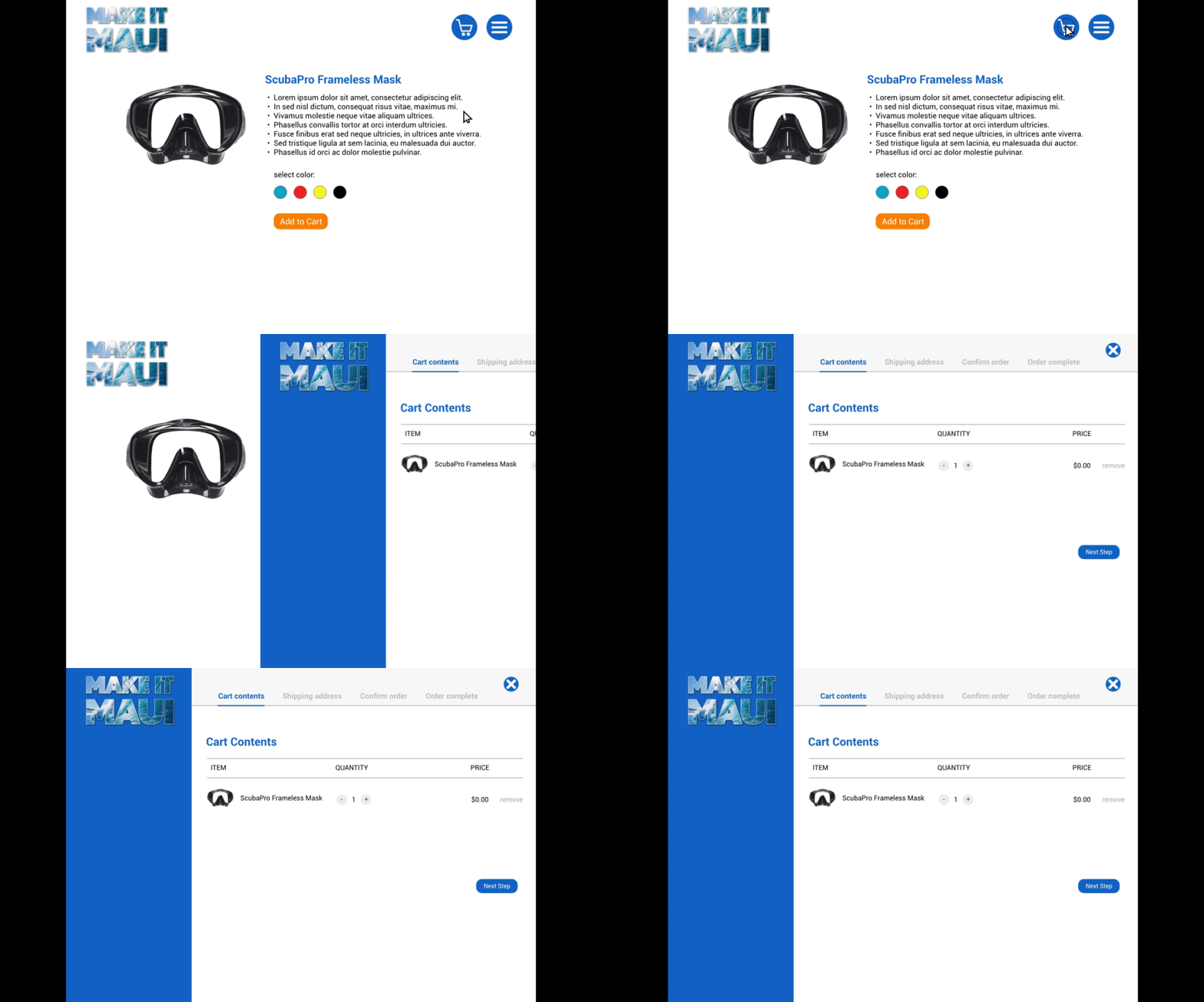
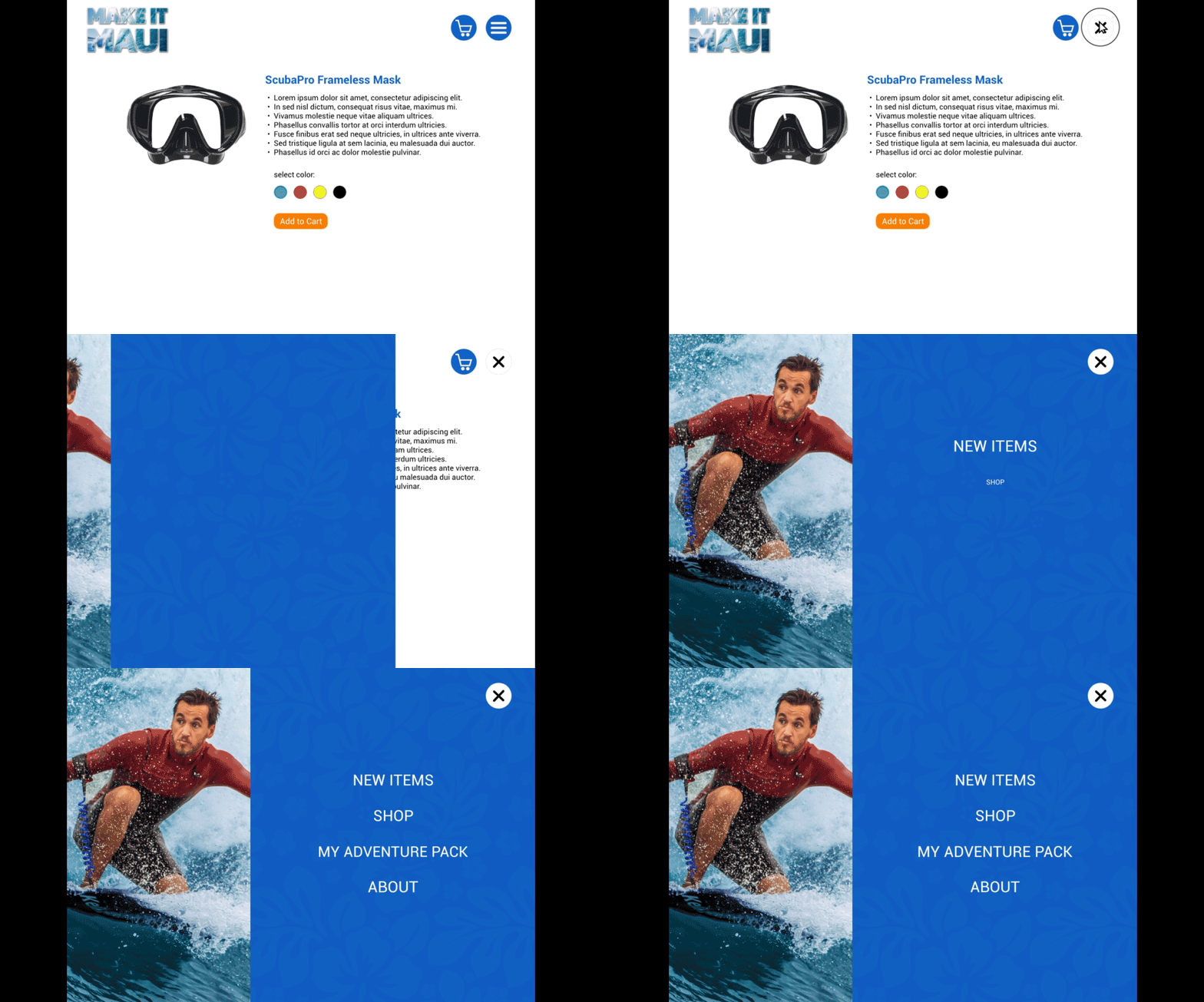
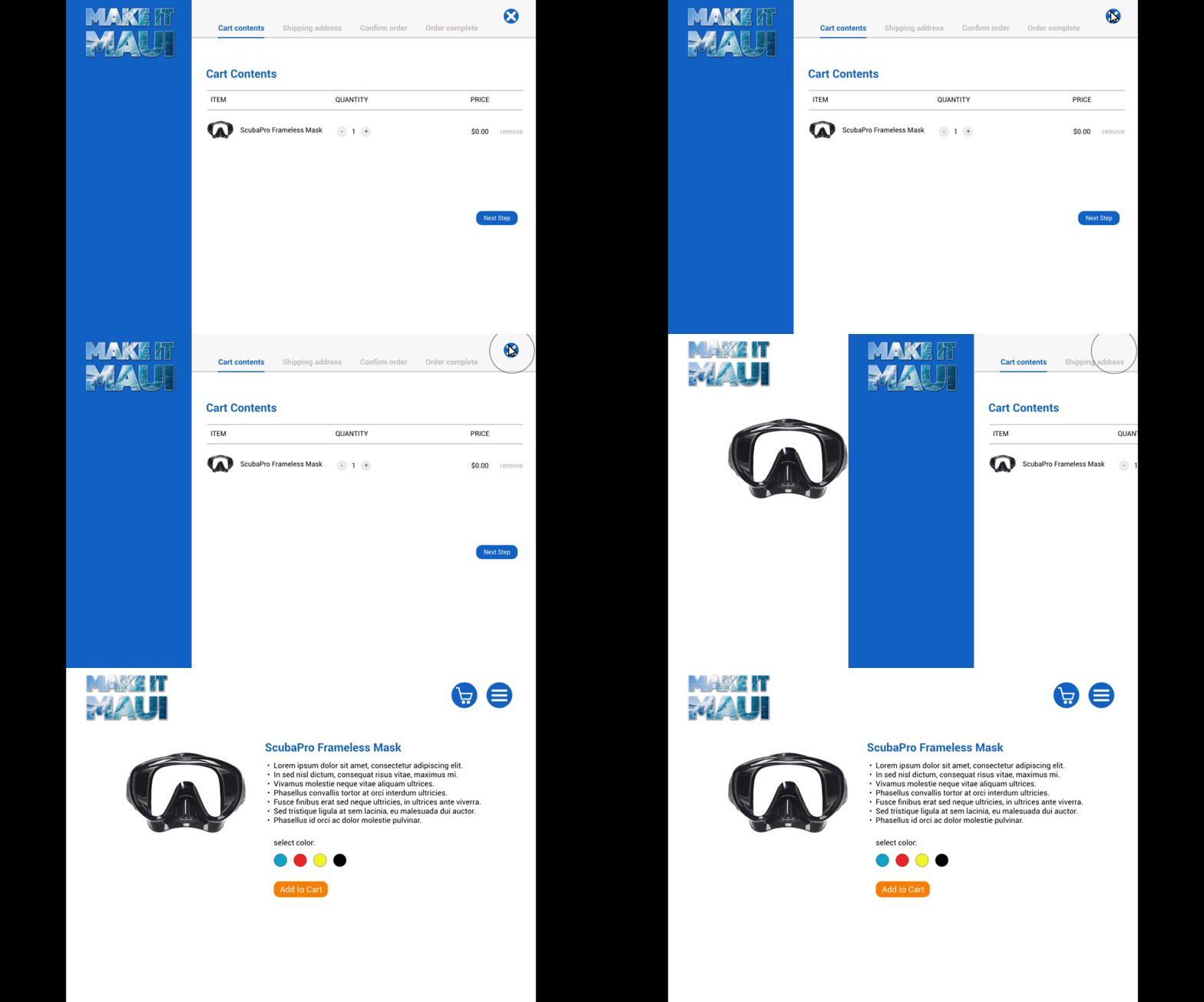
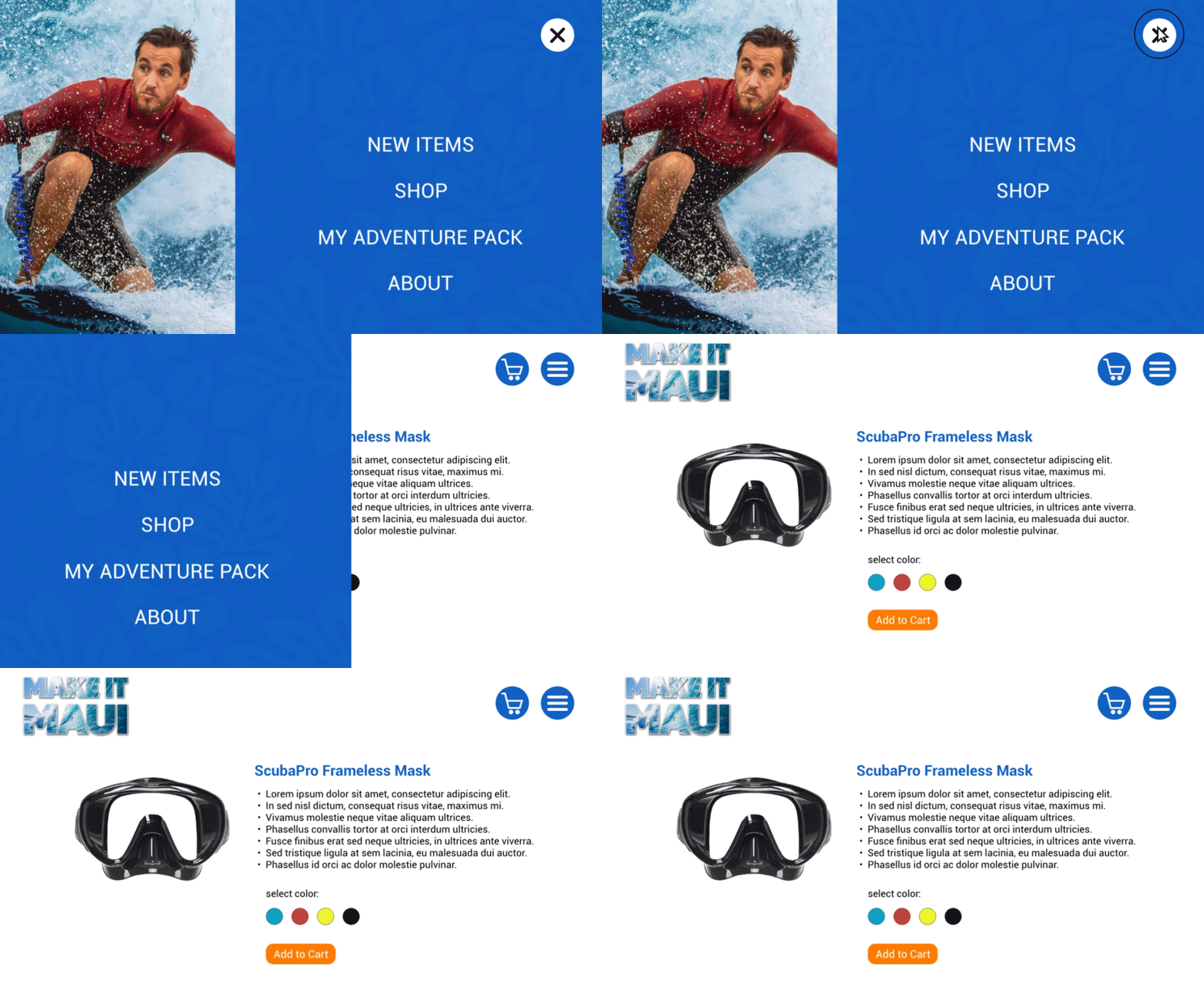
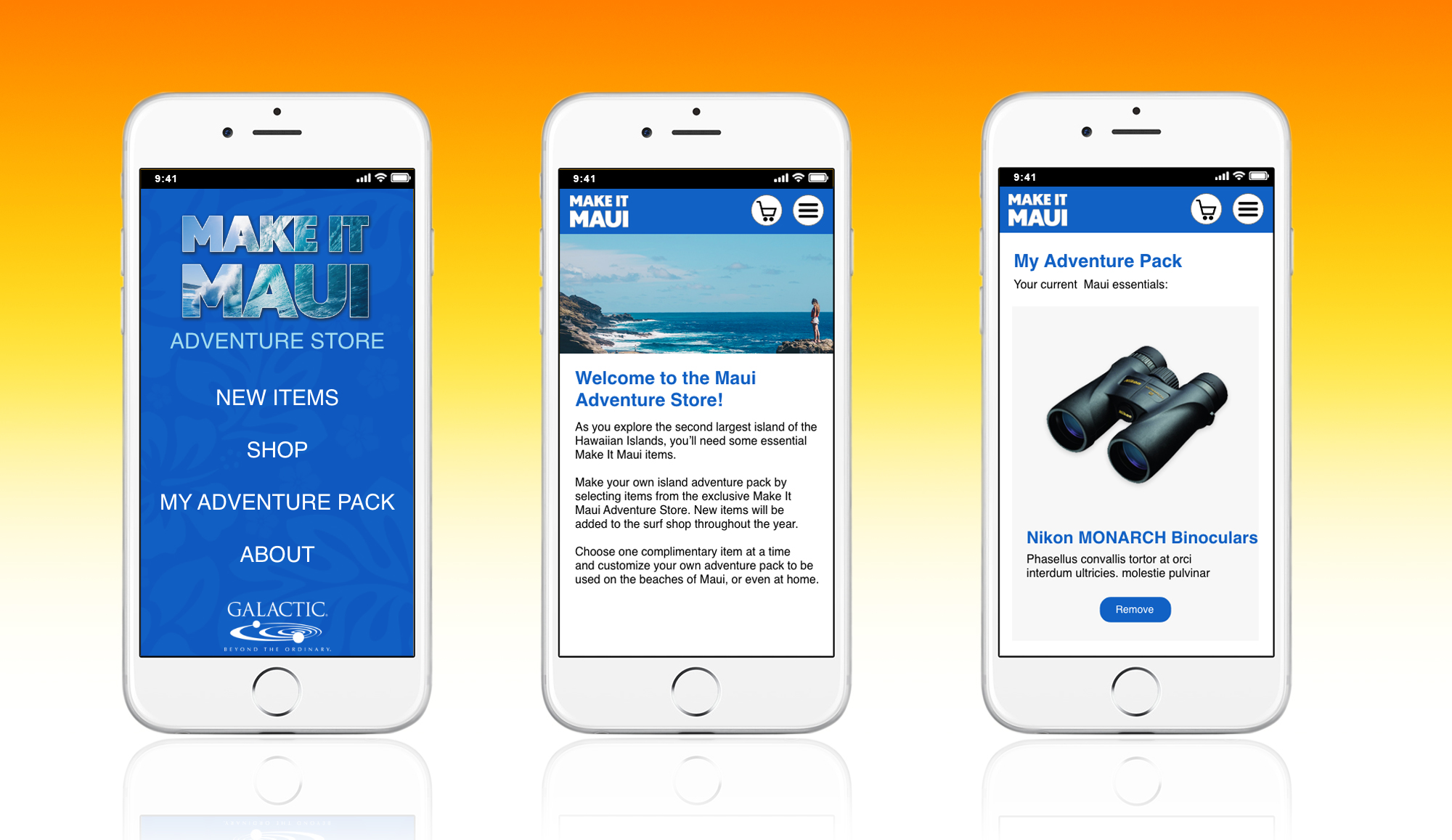
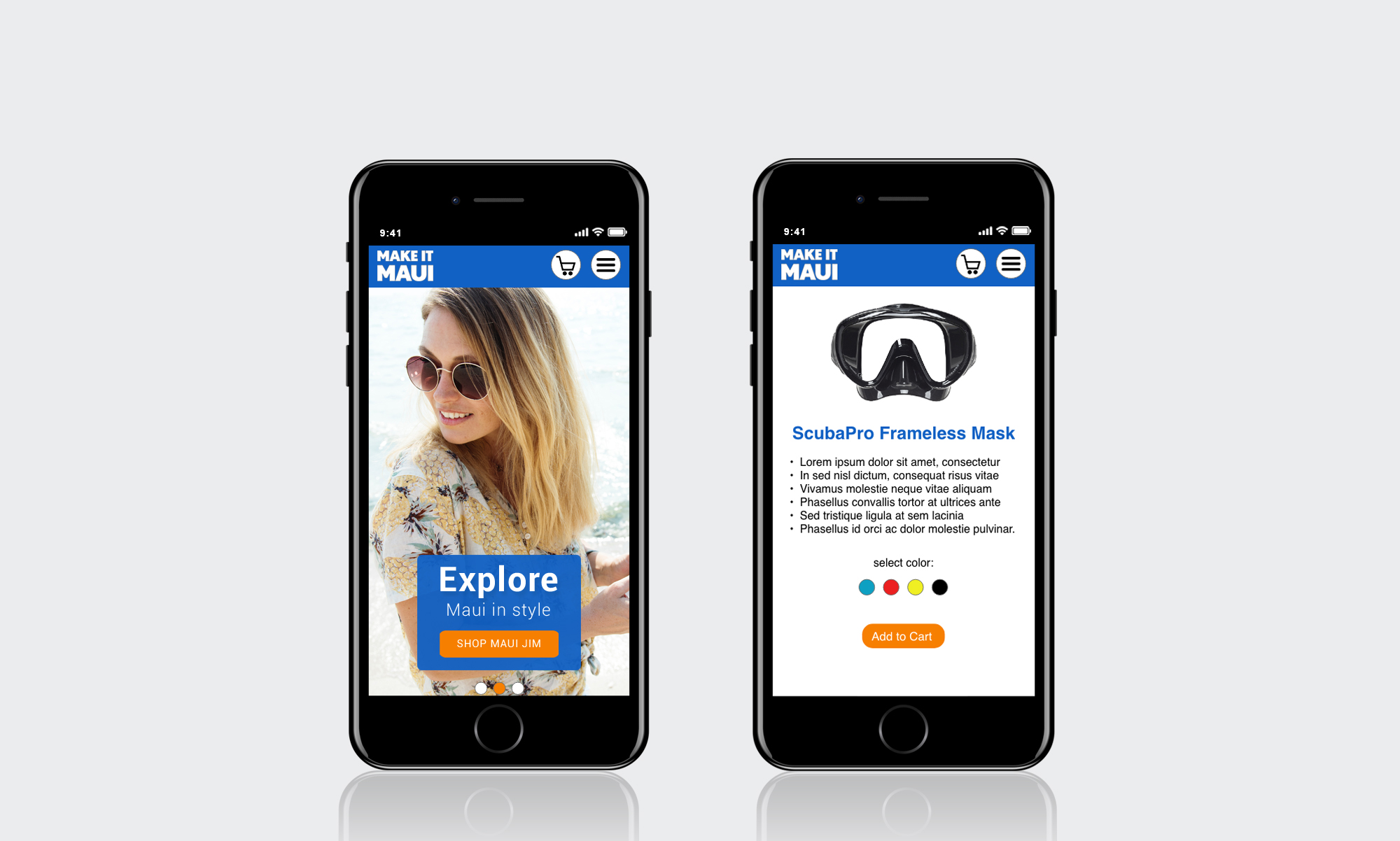
To address this gap, I proposed transforming the Adventure Store into a skinnable microsite featuring program-specific branding and Maui-themed visual elements. I developed desktop and mobile design concepts to demonstrate how the storefront could be integrated more seamlessly into the broader campaign experience. The proposed redesign demonstrates how microsite design, visual branding, and responsive UX concepts can extend a campaign’s identity across digital touchpoints while creating a more cohesive and engaging participant experience.
My Role:
Information Architecture, User Task Flow, Wireframes, UI Mockups, Prototype
Tools:
Axure, Adobe XD, Photoshop
Client:
Galactic Performance Solutions
Part 1: Desktop Experience
Competitive Analysis and Research
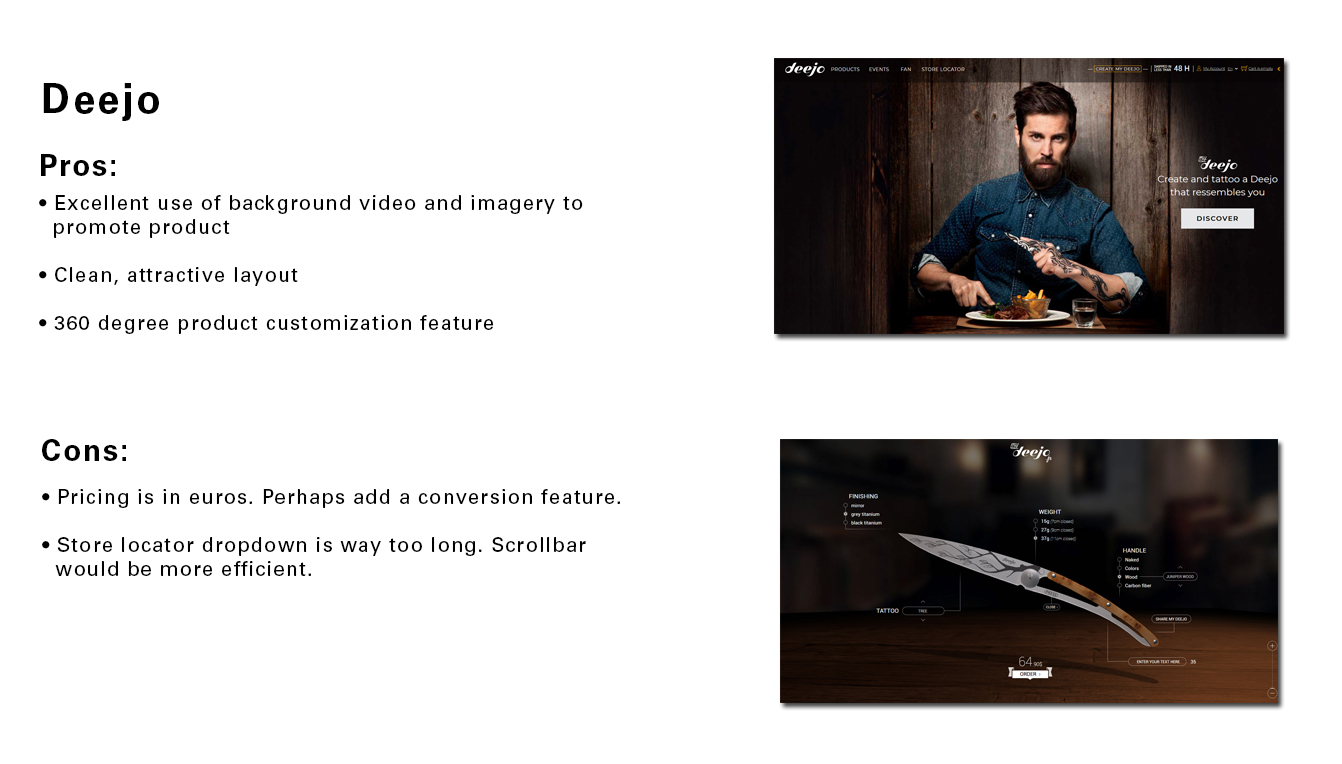
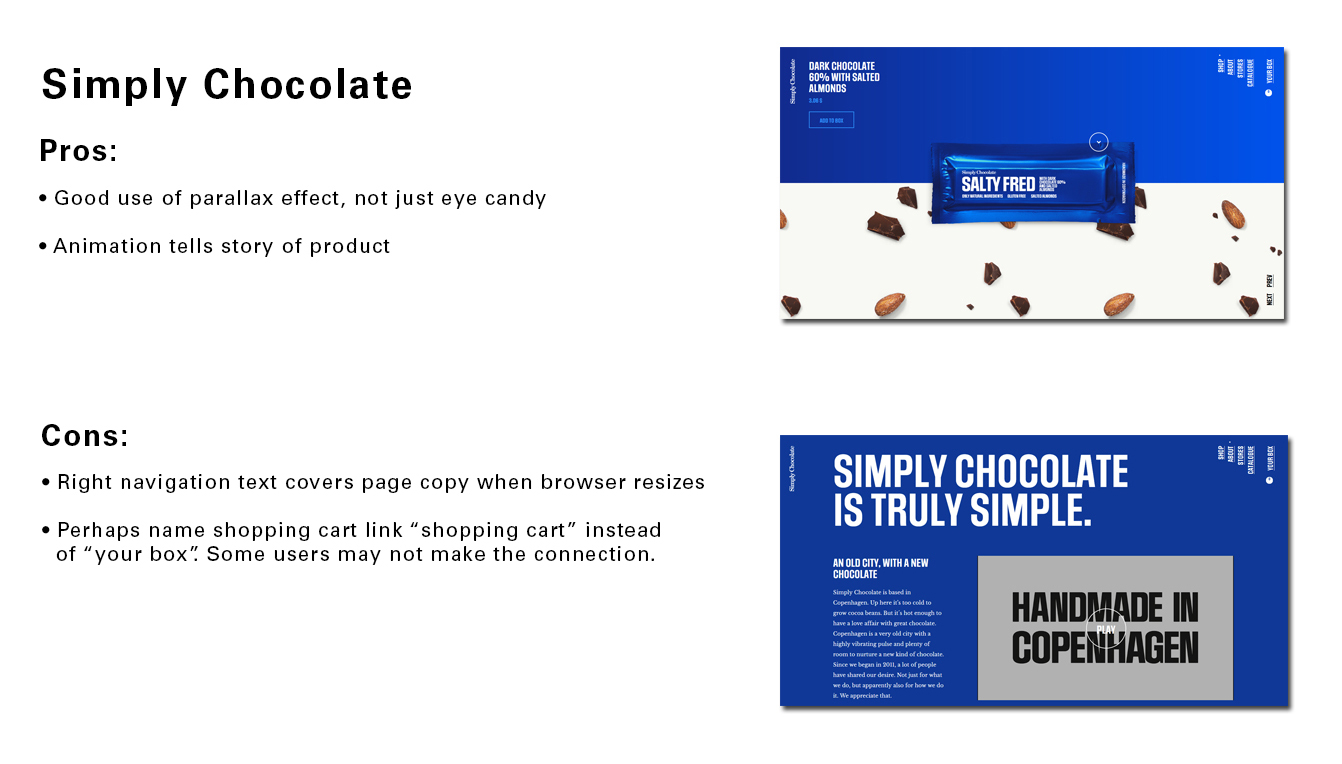
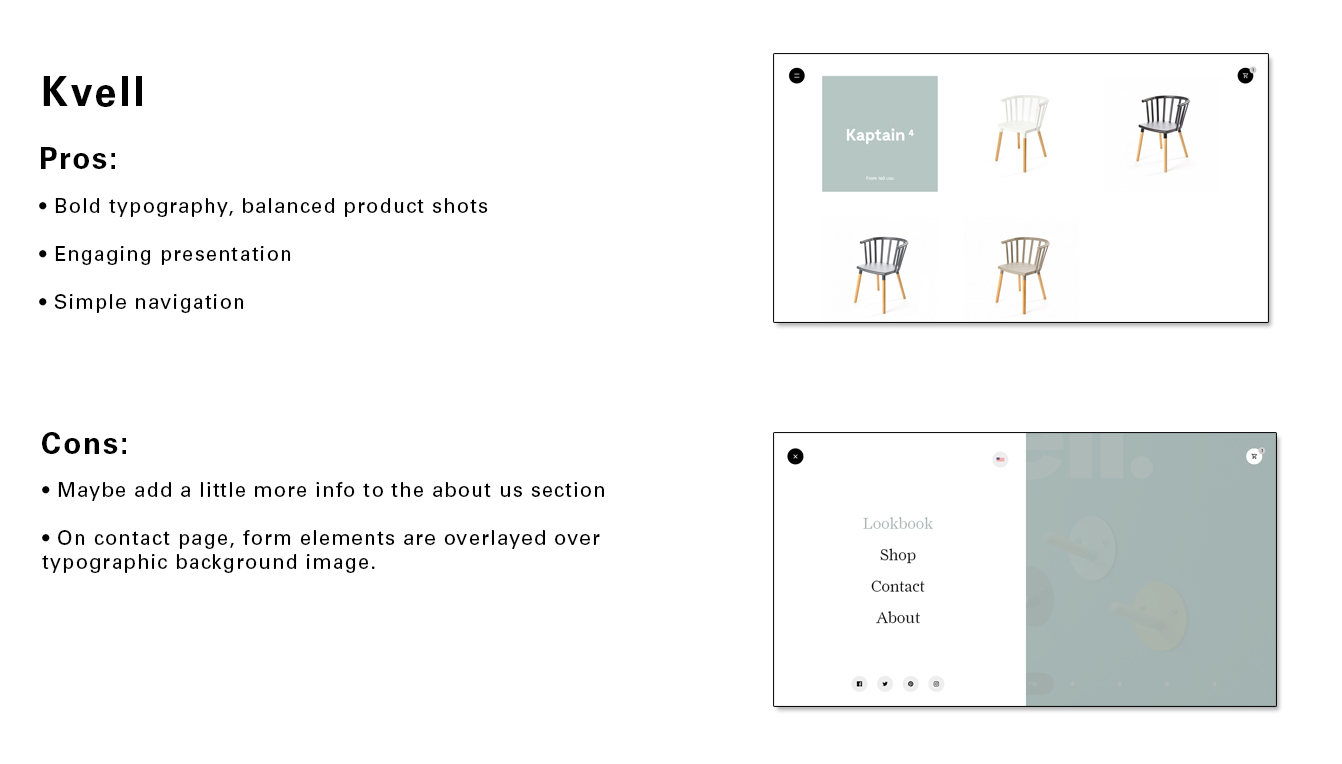
In order to get some inspiration for possible designs, I evaluated ecommerce sites that exhibited a flair of creativity. I also noted some well-designed shopping cart patterns that could be utilized in the Adventure Store concept.
User Task Flow
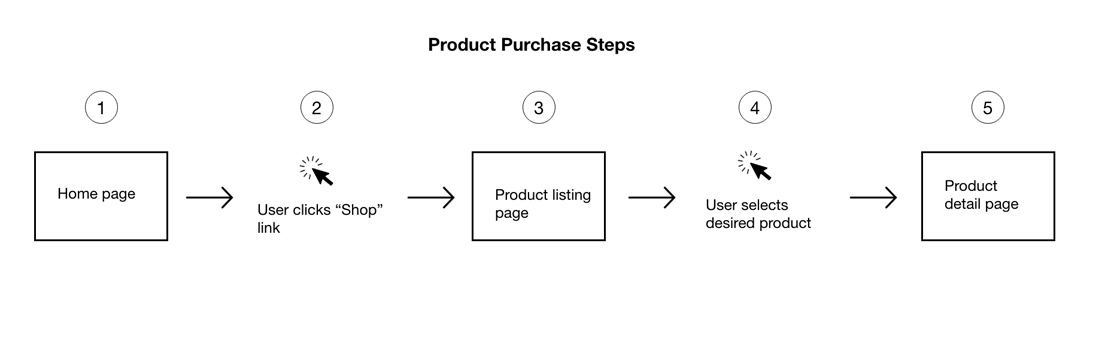
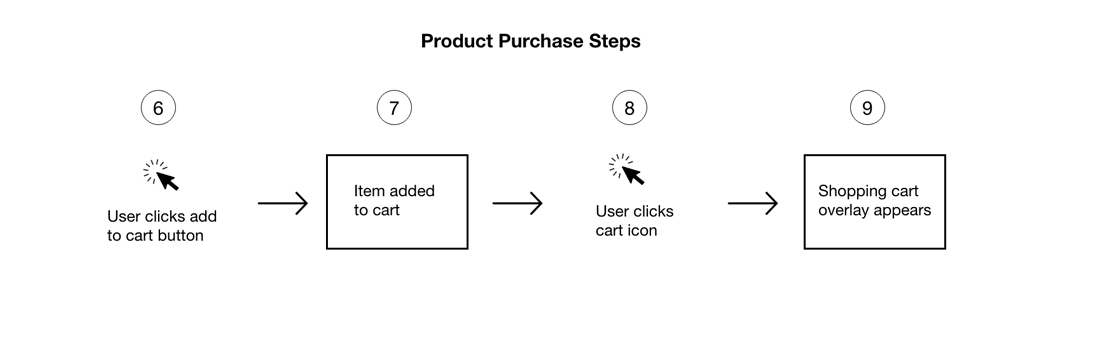
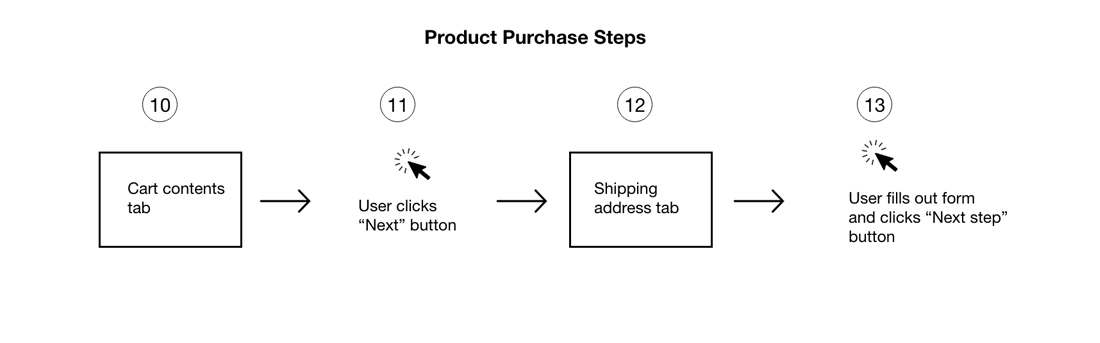
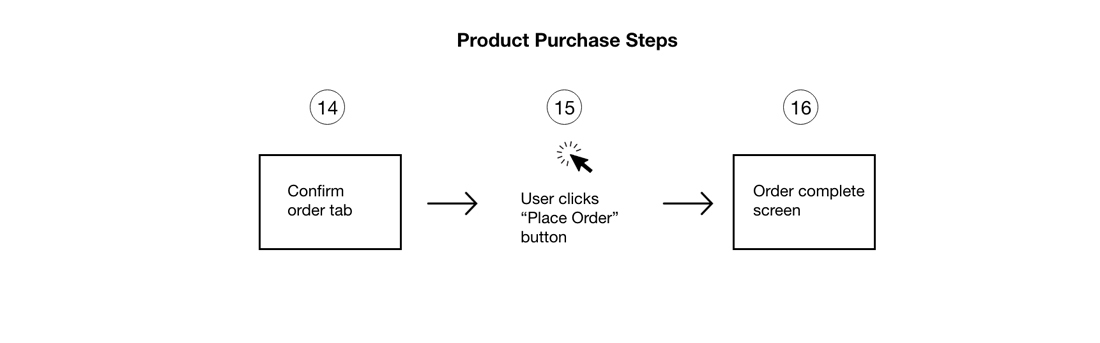
Although the Adventure Store microsite was fairly simple, I decided that it would be worthwhile to map out the flow users would experience when making a purchase.