The Pavlova: Culinary Video Editing & Motion Design

The Pavlova: Culinary Video Editing & Motion Design

Client:
Galactic Performance Solutions

Deliverable:
Social Media Video

Tools:
Chatgpt, Photoshop, Premiere Pro, After Effects, Audition


Project Overview:
Crafting compelling culinary and promotional video content requires a precise balance of visual pacing, motion graphics, and immersive sound design. For Pavlova, I produced a dynamic video highlight that combined polished editing with motion-driven visual storytelling.

Using Adobe Premiere Pro for precise video editing, After Effects for custom title animations, and layered sound design, I also incorporated an AI-assisted production workflow to support creative feedback and refinement. This project demonstrates how strategic editing, motion graphics, sound, and AI-assisted creative development can transform raw footage into a polished, engaging visual story.


Step 1: Brainstorming With Chatgpt
Although I had a basic idea for the structure of the video, I still needed to determine what visual and audio assets I would need to make the project effective. I decided that Chatgpt would be the perfect brainstorming partner.

Visual concept suggestions
The first order of business was to ask Chatgpt to suggest visuals that could accompany text for each scene.

Prompt:
Please provide 5 visual concepts that pair with each of the text overlays described below:

Scene 1
Text overlay: Awesome Inventions

Scene 2
Text overlay: The Pavlova

Scene 3
Text overlay: This heavenly fluffy creation is a summer festive favorite
(etc)
Section divider graphics card reading Step 1: Brainstorming Ideas and Creating Storyboards.


In response to my query, Chatgpt made some decent suggestions regarding visuals.


Chatgpt visual concept suggestions:

Storyboard Visual Concepts
For each scene, here are 5 visual ideas to choose from:

Scene 1: “Awesome Inventions”
Text Overlay: Awesome Inventions

  1. Animated title card with retro blueprint design
  2. Split-screen of famous inventions (light bulb, airplane, Wi-Fi)
  3. Montage of Aussie landscapes fading into stylized typography
  4. Stop-motion animation of tools creating the word "Awesome"
  5. A hand-drawn doodle style animation with sparkles and whooshes

(etc)

Stock Photo Suggestions
Most of the visual concepts provide by Chatgpt focused on camera shots or animation. Therefore, I decided to refine my prompt and request suggestions for merely photographs. This change gave me exactly what I was after.

Chatgpt stock photo suggestions:
Here are 10 high-concept stock photo suggestions—each carefully matched to your scene's text overlay. All keywords are optimized for searching on popular free platforms like Pexels, Pixabay, or Unsplash.

Scene 1: “Awesome Inventions”
Search Keywords:

  1. retro invention blueprint
  2. vintage light bulb glowing
  3. early airplane or Wright brothers
  4. mechanical gears in motion
  5. scientist in lab with glowing screen
  6. quirky invention concept art
  7. idea lightbulb with rays
  8. Australian flag and tech overlay
  9. hands assembling a device
  10. invention patent background

(etc)


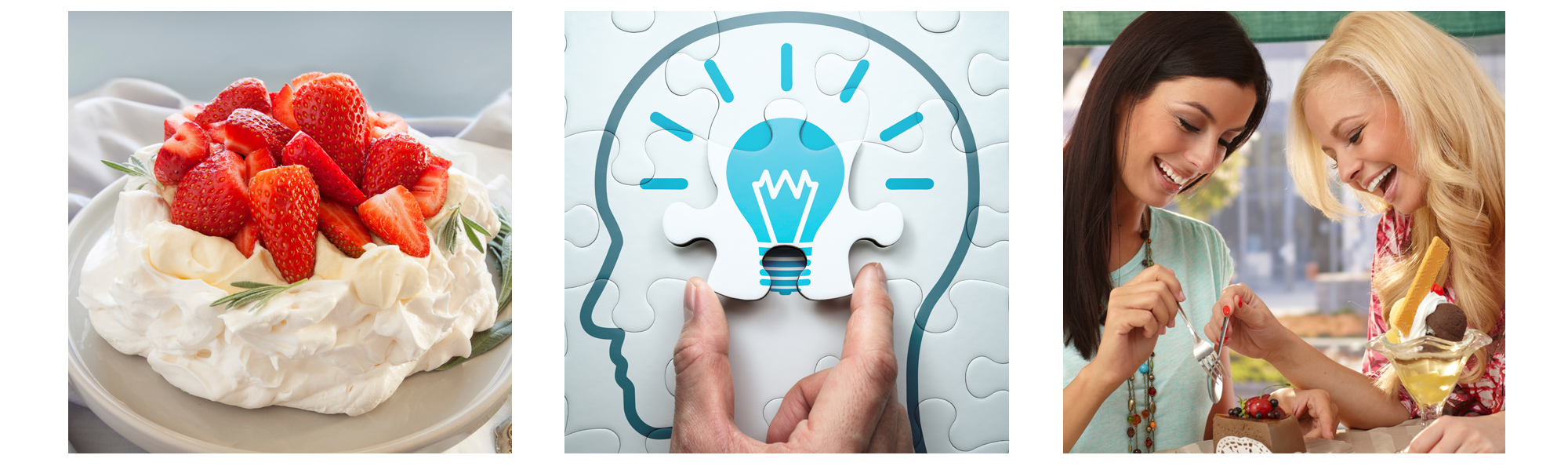
Close-up video frame showing a freshly baked pavlova dessert topped with cream and fresh berries.


Step 2: Brainstorm Music & Sound Effects

Once I had my visual ideas locked down, the next task was sound design. Once again, I turned to Chatgpt for ideas.


Prompt:
Music request:

1. Please provide 10 music suggestions for the video which is promoting a trip to Australia.
Include info regarding style, name of the artist and title of the track. Attempt to find
music that is free to use in video content.

2. Please provide suggestions on sound effects I can add to transitions or elsewhere
to make the video more interesting.

The response included a decent listing of free track suggestions. For the sound effects,
Chatgpt paired the suggestions with the appropriate scene. Impressive!

Sound Effects Suggestions
Here are SFX to add charm and energy to transitions:

  • "Whoosh" – for transitions between text overlays
  • "Pop" – when text elements appear or fruit lands
  • "Sizzle" or "Oven Ding" – for baking scene (Scene 5)
  • "Cheer" or "Applause" – during celebratory final scene
  • "Slide/Swish" – for map and flag animations
  • "Drum roll" or "Record scratch" – for dramatic contrast in Scene 9 or 10
  • "Typing/Click" – for animated documents or old typewriter in Scene 7


Step 3: Chatgpt Video Thumbnail Critique
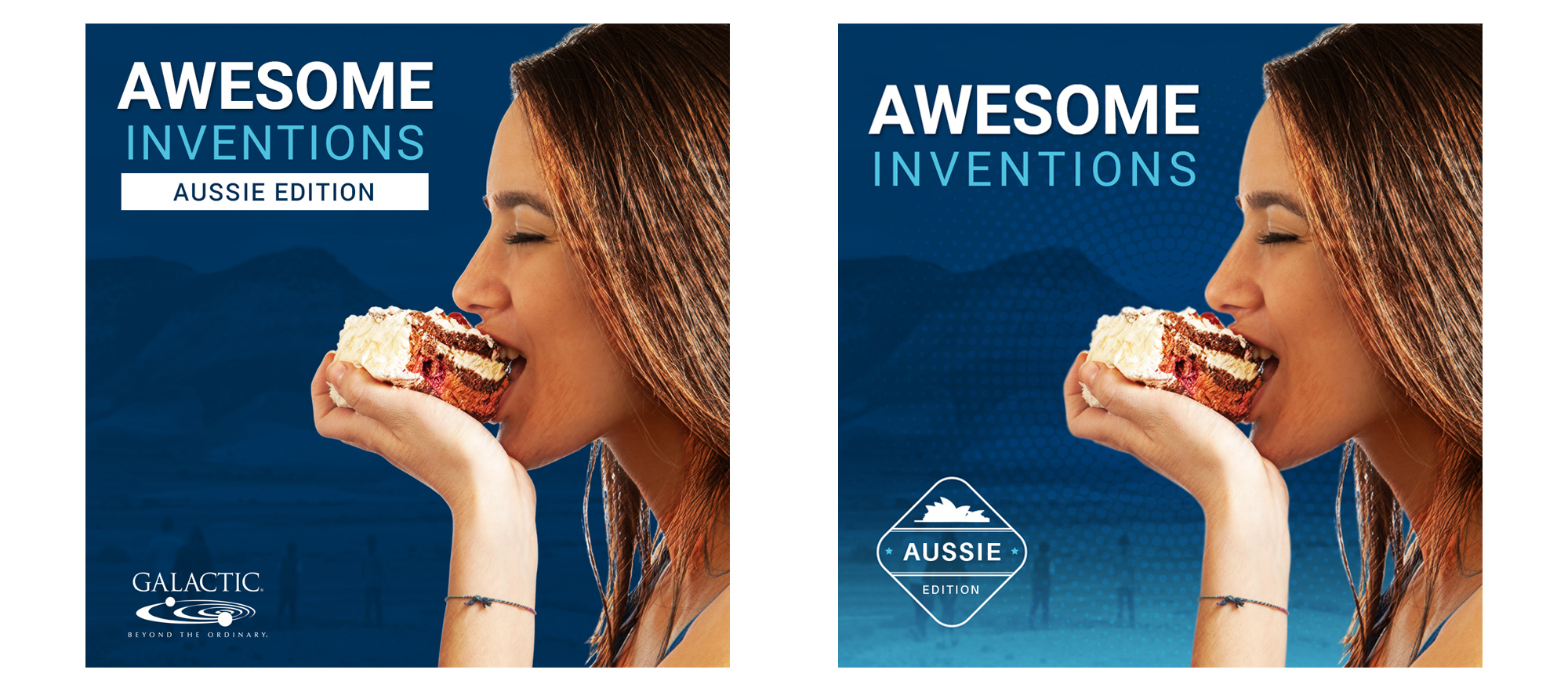
Once I had collected all of the assets needed for the project, the first task was to create graphics for the first scene of the video. Since this image would function as a thumbnail on Instagram, I wanted to create something engaging. After completing my basic layout, I consulted Chatgpt for ideas on how to make the graphic more interesting.

Prompt:
"I’m working on a thumbnail image for an Instagram video. The video promotes a trip to Australia and showcases the Pavlova cake, which was invented by the Australian people. The video is part of a bigger series titled “Awesome Inventions”.

Please analyze the thumbnail graphic and help me brainstorm ideas on how to make the image more engaging. Provide structured, visual guidance based on the creative brief description. Suggest 8-10 original focal motif ideas on the concept + moodboard."

Out of all the ideas suggested by Chatgpt, the most useful was the advice to add additional textures and a location stamp effect. Therefore, I added radial halftone dots and a blue gradient to the image. Also, the client logo was swapped out and replaced with a location stamp motif.

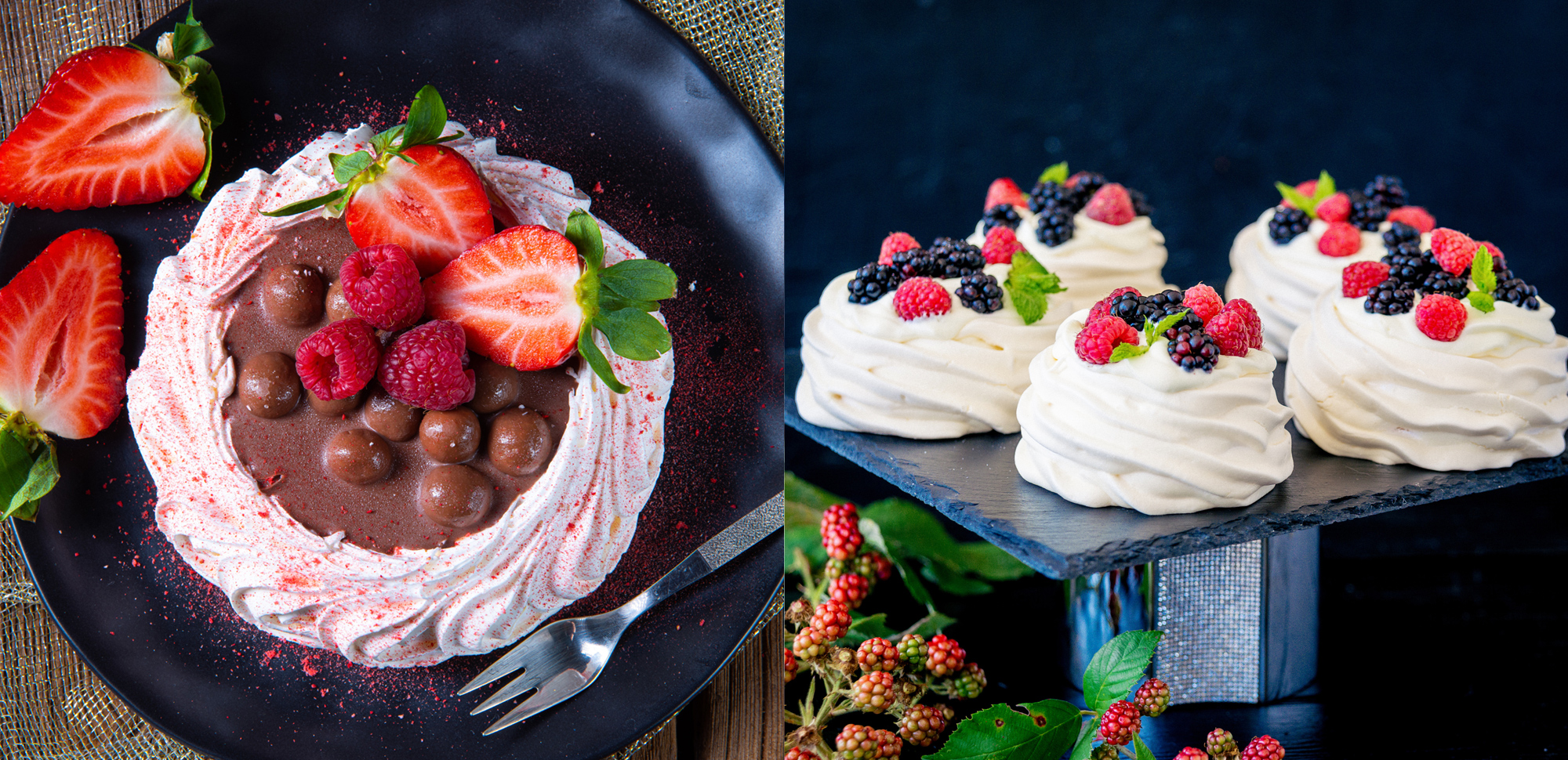
Grid of storyboard video thumbnails illustrating various scene compositions and camera angles for a promo video.


Step 4: After Effects & Premiere Pro Video Production
After all the necessary graphics were complete, I fired up After Effects and Premiere Pro to animate and build the final video.